How to Play Chess: Setup, Rules, Winning, and Strategy
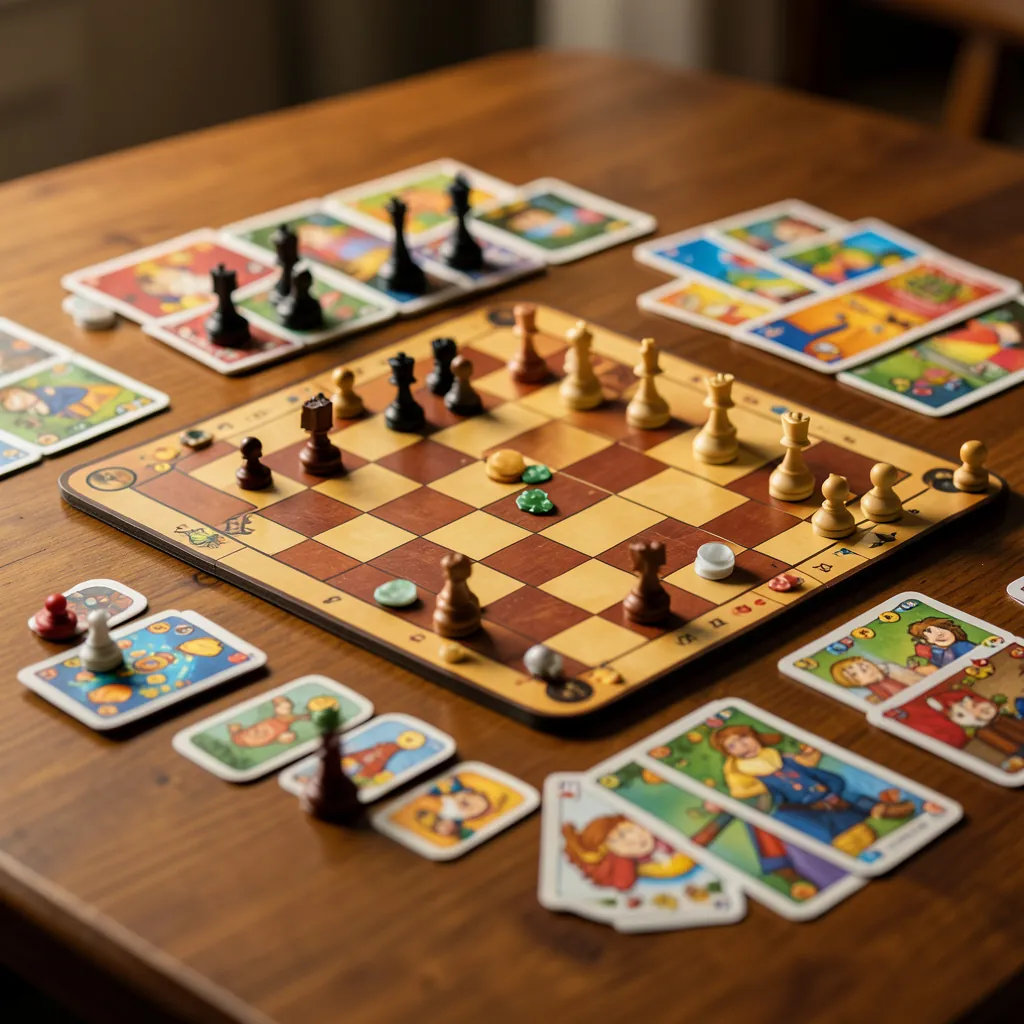
How to Play Chess: Setup, Rules, Winning, and Strategy
Contents
♟️ Chess is a two-player strategy board game played on an 8×8 board with White and Black pieces; the goal is to checkmate the opponent’s king. This guide covers setup, turn-by-turn play, special rules, scoring/winning, strategy, variations, and common questions, integrating the provided play-chess.ps1, ChessBase, PlayChess.app, and beginner-guide sources.
Players: 2 (White vs. Black)
Play Time: Variable; PlayChess.app lists online time controls of 1, 2, 3, 5, or 15 minutes plus increments
Age: All ages (the PlayChess.app listing says it is suitable for everyone)
Difficulty: Easy to learn the basics, strategically deep
Type: Strategy/abstract board game
Setup
- Use an 8×8 board with files A–H and ranks 1–8. The
play-chess.ps1source displays the board this way. - Place the board between two players: one controls White and the other controls Black. The PowerShell script asks for White piece moves on White’s turn and Black piece moves on Black’s turn.
- Set up the standard chess array: each side has 16 pieces. Place rooks in the corners, knights beside them, bishops beside the knights, the queen on her own color, the king beside the queen, and eight pawns on the rank in front of the back rank. Source 5 describes a step-by-step setup and explains the rank-and-file system.
- White moves first, then players alternate turns.
- To use the local PowerShell version, run
./play-chess.ps1. Source 1 notes that Unicode chess pieces do not render in the base PowerShell console and only appear in PowerShell ISE.
How to Play
- Choose colors and start. White moves first; players alternate. In
play-chess.ps1, the script prompts for a White source/destination on White’s turn and a Black source/destination on Black’s turn. - Select a piece on a non-empty starting square. In
play-chess.ps1, an empty source square is rejected with “There is nothing there.” A normal non-capturing move to an empty destination square is allowed if the piece’s movement rule permits it. The script also rejects moving to the same square and moving onto a friendly piece (“Collision with own team”). - Move the piece according to its type. Use the movement summary below.
- Capture by moving onto an opponent-occupied square. Remove the captured piece from the board. You cannot capture your own pieces.
- Respond to check. If your king is attacked, your move must address the check. Checkmate ends the game; Source 5 names checkmate as the goal and covers checks.
- Apply special rules when they occur. Source 5 lists En Passant, Pawn Promotion, and castling. Source 1’s code specifically implements pawn first-move two-square movement, blocked-path checks, and en passant logic.
- Continue alternating turns. The game ends by checkmate, resignation, or the end condition used by the platform or script.
- Use clocks in timed online games. ChessBase’s playchess.com displays chess clocks and notation; PlayChess.app provides real-time countdowns and time controls.
Piece movement summary
| Piece | Basic movement | Capture notes |
|---|---|---|
| Pawn | Moves forward one square; may move two from its starting square if the path is clear. | Captures diagonally forward one square; en passant and promotion apply. Source 1 checks pawn first-move and blocked-path rules. |
| Knight | Moves in an L-shape and can jump over pieces. | Captures on its landing square. |
| Bishop | Moves diagonally any distance until blocked. | Captures on its landing square. |
| Rook | Moves horizontally or vertically any distance until blocked. | Captures on its landing square. |
| Queen | Combines rook and bishop movement. | Captures on its landing square. |
| King | Moves one square in any direction. | Castling is a special king-and-rook move named in Source 5. |
Scoring
Chess is not scored by collecting captured-piece points in the provided sources. The official result is a win, loss, or draw depending on how the game ends.
| Result | How it works | Source support |
|---|---|---|
| Win by checkmate | Checkmate the opponent’s king. | Source 5 names checkmate as the goal. |
| Win by resignation | A player resigns; play-chess.ps1 sets the game status to a win for the other side. | Source 1 implements resignation. |
| Timed finish | Online games display clocks and countdowns; the platform determines the timeout result. | Source 2 and Source 3 describe clocks/time controls. |
| Draw | Draw conditions are not detailed in the provided sources; follow the platform or rulebook. | Not specified in the provided sources. |
Source 5 mentions point valuation and material advantage as strategic concepts, but those points are not the official match score. Do not confuse material value with the win condition: the game is won by checkmate or resignation, not by having more material points.
💡 Strategy Tips
- Control the center. Source 5 emphasizes seizing control of the board’s center.
- Plan ahead and anticipate your opponent. Source 5 advises planning ahead and analyzing/disrupting the opponent’s plans.
- Protect your king. Source 5 lists king protection as a core strategy.
- Engage all your pieces. Source 5 advises using all pieces strategically rather than leaving them inactive.
- Avoid unnecessary sacrifices and track material advantage. Source 5 highlights minimizing unnecessary sacrifices and understanding material advantage. A common beginner mistake is treating material points as the goal instead of working toward checkmate.
🎲 Variations
Standard chess is a two-player game. The main variations in the sources are play modes and time controls, not changes to the core two-player setup.
| Mode | How it works | Key source facts |
|---|---|---|
| Standard over-the-board chess | Two players, White vs. Black, on an 8×8 board. | Source 1 uses an A–H/1–8 board and White/Black turns; Source 5 covers standard setup and play. |
| Local PowerShell chess | play-chess.ps1 runs a local multiplayer chess game in PowerShell. | Source 1 notes Unicode pieces render only in PowerShell ISE, not the base console. |
| playchess.com via ChessBase | Online chess server with rooms such as Main Playing Hall, Beginners, and Café; rated and unrated games; Blitz, Bullet, or Slow challenges. | Source 2 describes rooms, challenges, clocks, and notation. |
| PlayChess.app | Free, ad-free online rated chess; anonymous or FICGS login; time controls of 1, 2, 3, 5, or 15 minutes; increments of 0, 1, 2, 3, 5, or 10 seconds; 2D or 3D board; PGN copy. | Source 3 lists these app features. |
| Browser launcher | play-chess-game.ps1 launches a web browser with a chess game. | Source 4 describes this launcher; it is distinct from Source 1’s local PowerShell board. |
How to play with 2 players: use the standard setup and turn order above—no rule changes are needed. For same-computer play, use play-chess.ps1; for remote opponents, use an online server such as playchess.com or PlayChess.app. Note that playchess.com and PlayChess.app are similarly named but separate services.
❓ FAQ
How many players can play chess?
Two players: White and Black. The provided sources describe White/Black turns and online opponent matching.
How do you win at chess?
Win by checkmate or by your opponent’s resignation. In timed online games, the platform’s clock rules determine the result when time expires.
Can you play chess with 2 players?
Yes. Two-player play is the standard form of chess. Use the normal setup, with White moving first and players alternating turns.
Is chess hard to learn?
Chess is easy to start but strategically deep. Source 5 is a beginner’s guide that progresses from novice material to grandmaster strategies.
How long does a game take?
It varies. PlayChess.app lists time controls of 1, 2, 3, 5, or 15 minutes plus increments, while ChessBase’s playchess.com offers Blitz, Bullet, and Slow games. Local untimed games can run longer.
What do you need to play chess?
You need an 8×8 chessboard and pieces, or a digital version. Source 1 provides a local PowerShell script, Source 4 launches a browser game, and Source 3 describes a mobile/online app.
Related guides
- Azul Max Players: How to Play, Setup, Scoring, and Player Count Guide
- Battleship Best Placement: Where to Hide Your Fleet and How to Play
- Battleship Best Strategy: How to Play, Search, and Win More Often
- Battleship Strategy Placement: How to Play, Set Up, and Hide Your Fleet
- Best Battleship Position: How to Play Battleship and Place Your Fleet to Survive