How to Play King’s Corner (Kings in the Corner): Rules, Setup, and Strategy
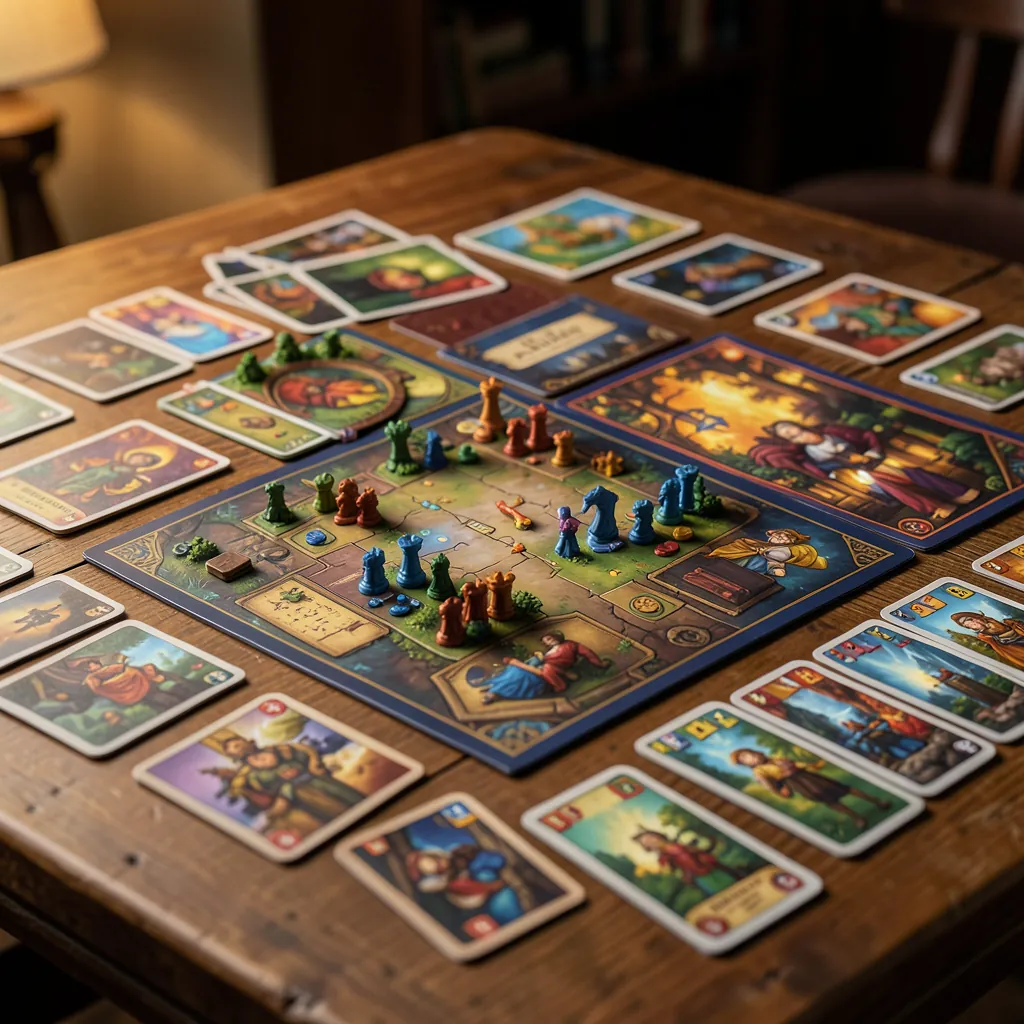
How to Play King’s Corner (Kings in the Corner): Rules, Setup, and Strategy
Contents
🃏 King’s Corner (also called Kings in the Corner) is a Solitaire-style card game where players build descending, alternating-color stacks around a central deck. The goal is to be the first to get rid of all your cards by adding to existing stacks, moving stacks, and starting legal new stacks.
Players: 2-4 in the app (you plus one to three opponents; pass-and-play is supported)
Play Time: Not stated in the sources
Age: 4+ (App Store age rating)
Difficulty: Easy (source calls it easy to pick up)
Type: Solitaire-style card game (Kings in the Corner)
Setup
- Use a deck of playing cards. The sources describe a deck but do not specify deck size or exact starting deal.
- Place the deck in the center and arrange eight spaces around the deck.
- Designate four corner spaces as King spaces, marked with a crown.
- Leave four spaces unmarked for non-King stacks and movable stacks.
- Deal or start hands according to the app or your copy’s rule sheet. The app sources do not specify exact starting hand size.
- During play, each player gets a new card at the beginning of every turn.
Source note: Sources 4 and 5 are restaurant menu pages for a different “King’s Corner” and do not describe the card game.
How to Play
- Start your turn by getting a new card. The sources state that you get a new card at the beginning of every turn.
- Build stacks in descending order and alternating colors. Examples from the source: a red 9 can be played on a black 10, and a black Ace can be placed on a red 2.
- Add a card to any existing stack when it follows the descending-order and alternating-color rule.
- Move a card or stack from an unmarked space to the bottom of another card or stack, when the move follows the same legal sequence.
- King stacks do not move. The source says King stacks don’t move because there is nothing higher than a King.
- Start a new stack only in an empty legal space. Use the table below: only Kings may start corner spaces, and only non-King cards may start unmarked spaces.
- Keep making legal moves to reduce your cards. The first player to get rid of all their cards wins.
| Space type | Number | What can start a stack there? | Can it move? |
|---|---|---|---|
| King corner space, marked with a crown | 4 | Only a King | No; King stacks don’t move |
| Unmarked space | 4 | Any other card — meaning a non-King card | Yes; a card or stack in an unmarked space can be moved to the bottom of another card or stack when legal |
Important correction: Do not start a stack in an unmarked space with a King. Kings are limited to the four corner King spaces.
Source limitation: The app listings describe legal move types and the win condition, but they do not specify exact deal size, hand size, turn-ending details, or penalty rules. Use the app’s prompts or your physical rule sheet for those details.
Scoring
The sources describe no point-scoring system. Winning is by being the first player to get rid of all your cards. If your tabletop rule set uses points or penalties, that comes from your local rules—not from these sources.
| Outcome | How it works per the sources |
|---|---|
| Win | Be the first to get rid of all your cards |
| Points | No point values or scoring thresholds are described |
💡 Strategy Tips
- Keep corner spaces for Kings. A common beginner mistake is trying to start an unmarked stack with a King; the source allows only non-King cards there.
- Use unmarked stacks as movable resources. Moving a card or stack from an unmarked space can free a space and extend another legal sequence.
- Check rank and color before placing. Legal stacks follow descending order and alternating colors, such as red 9 on black 10 or black Ace on red 2.
- Do not plan to move King stacks. They are frozen once started because there is nothing higher than a King.
- Take your new card first each turn. Use it to extend existing stacks or start a legal new stack only in the correct space.
🎲 Variations
- Name variation: The sources use both King’s Corner and Kings in the Corner.
- App player-count variation: The app describes play against one to three opponents, plus pass-and-play and online play via Game Center.
- 2-player play: In the app, you can play against one opponent. The sources do not provide a separate physical 2-player house-rule variant.
- House rules: The sources do not list common house rules. If you add them, agree beforehand on deal size, turn-ending rules, and whether any scoring applies.
❓ FAQ
How many players can play King’s Corner?
The app describes one to three opponents plus you, so app matches can be 2-4 players total; pass-and-play is supported. The sources do not give a separate physical-game player range.
How do you win King’s Corner?
Be the first player to get rid of all your cards. The sources do not describe a point-scoring system.
Can you play King’s Corner with 2 players?
Yes in the app: you can play against one opponent. The sources do not provide a separate 2-player physical house-rule variant.
Is King’s Corner hard to learn?
No. The source calls it easy to pick up; the core placement rule is descending order with alternating colors.
How long does a game take?
The sources do not state a play time.
What do you need to play, and do the sources agree?
You need a deck of cards and an eight-space layout around the deck: four crowned King spaces and four unmarked spaces. Sources 1-3 describe the card game; Sources 4-5 are restaurant menu pages and provide no game rules. The app listings differ on price—free and ad-supported vs AED 12.99 vs US$2.99—which appears to be a listing/version/region difference, not a gameplay-rules conflict.
Related guides
- How to Play Phase 10: Rules, Scoring, and Strategy
- How to Play War: Rules for the 2-Player Card Game
- 5 hundred card game
- 🃏 How to Play 500: The Complete Card Game Guide