How to Play the MTG Speed Mechanic: Start Your Engines! and Max Speed
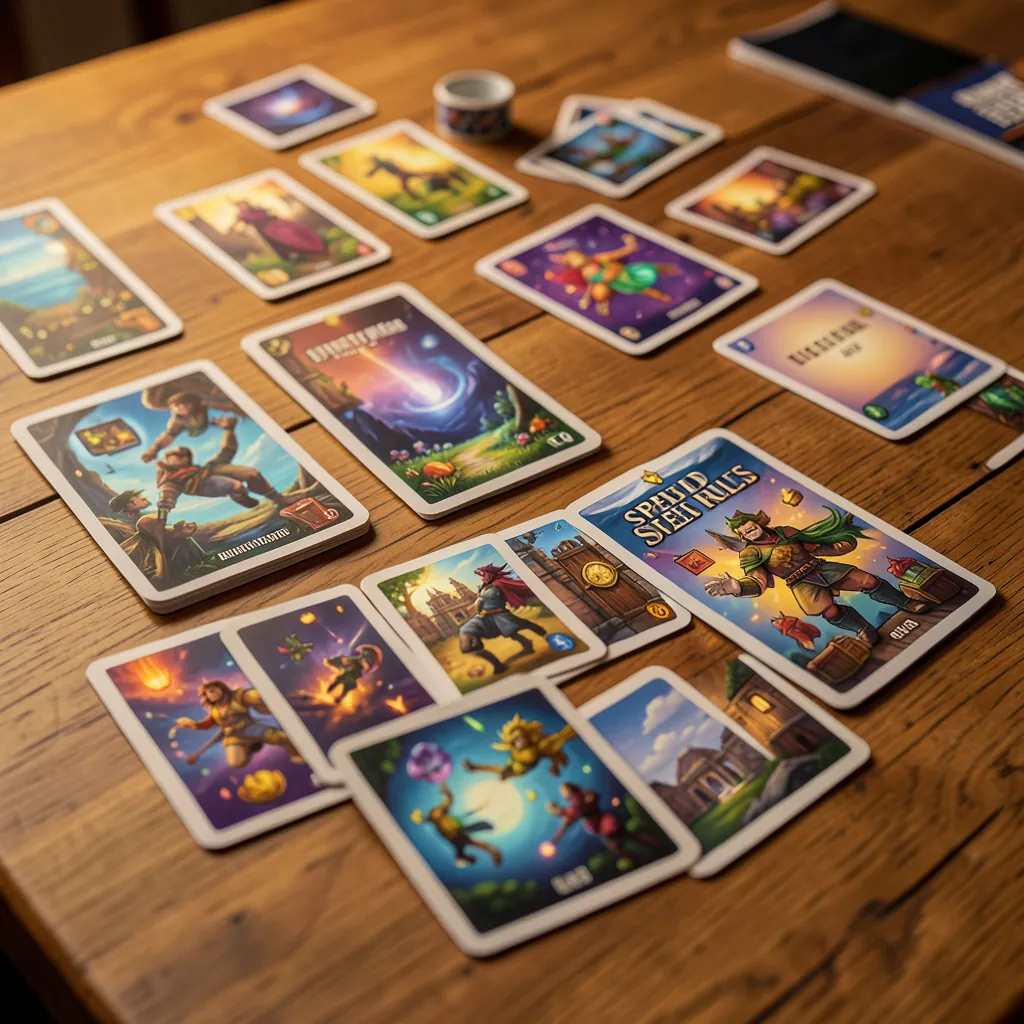
How to Play the MTG Speed Mechanic: Start Your Engines! and Max Speed
Contents
🃏 This guide explains the Magic: The Gathering Speed/Max Speed mechanic from Aetherdrift, not the separate Fast/Slow timing rules in the GATCG source. In MTG, controlling a Start your engines! permanent makes your speed 1; it rises at most once on each of your turns when an opponent loses life and caps at 4. Reach speed 4 to unlock “Max speed —” abilities.
Players: Not specified in the sources; they reference “opponents” and multiplayer
Play Time: Variable; speed can increase only once on each of your turns
Age: Not specified in the sources
Difficulty: Not specified; timing/edge cases are rules-heavy
Type: MTG Aetherdrift mechanic: per-player Speed tracker with Max speed threshold abilities
Setup
- Confirm which game’s “speed” rules you are using. Sources 2–5 describe Magic: The Gathering’s Speed/Max Speed mechanic. Source 1 describes GATCG Fast/Slow timing and “Opportunity”; it is a different rules framework and should not be mixed into MTG Speed.
- Track each player’s speed separately. Speed is a player trait, not a counter or token on a card. If a player has no speed, their speed is treated as 0.
- To start your engines, control a permanent with Start your engines!. If your speed is 0, it immediately becomes 1 as a state-based action. This is not a triggered ability, and there is no response window before speed becomes 1.
- Use a dial, paper, or score pad to track speed from 0 to 4. Speed cannot exceed 4.
- Remember that losing control of a Start your engines! permanent does not reset your speed once you have it.
Are MTG Speed and GATCG Fast/Slow timing the same rule?
No. Both use the word “speed,” but they are different mechanics in different games.
| Question | MTG Speed / Max Speed (Sources 2–5) | Fast/Slow timing in Source 1 (GATCG) |
|---|---|---|
| Game scope | Magic: The Gathering, Aetherdrift | GATCG “Timing and Permissions” rules |
| What “speed” means | A personal player trait tracked from 0 to 4 | A timing category: Slow vs. Fast player actions |
| How it starts | Start your engines! sets speed to 1 if it was 0, as a state-based action | Turn player can take Slow Player Actions when they have Opportunity and the Effects Stack is empty during their Main Phase |
| How it changes | Once on each of your turns when an opponent loses life, if speed is less than 4, increase speed by 1 | Not a 0–4 resource; Opportunity passes in turn order and the top Effects Stack layer resolves after all players pass |
| Cap / threshold | Maximum speed is 4; “Max speed — [ability]” is active only while speed is 4 | No speed value or cap; Fast actions and activated abilities can be used when a player has Opportunity |
| Beginner warning | Losing your Start your engines! permanent does not reset speed once you have speed 1+ | Do not combine Opportunity/Effects Stack timing with MTG Speed rules |
Source 1 also discusses special play permissions that can override default Fast/Slow timing; that rule belongs to its own game framework, not to MTG’s Speed/Max Speed mechanic.
How to Play
- Track speed per player. Each player’s speed is independent. Increasing your speed has no effect on whether another player has speed. If an effect needs to know a player’s speed and they have none, it is considered 0.
- Start the engine. The first time you control a permanent with Start your engines!, if your speed is 0, your speed becomes 1. This happens automatically as a state-based action. Gaining control of a permanent with Start your engines! can also start your speed; losing control of such permanents later does not change your speed.
- Increase speed during your turn. Once your speed is 1 or greater, a separate ability follows you for the rest of the game: whenever one or more opponents lose life during your turn, if your speed is less than 4, increase your speed by 1. This ability triggers only once each turn.
- Apply the once-per-turn limit. The amount of life lost does not matter. Multiple opponents losing life, or multiple separate life-loss events in the same turn, still increase your speed by only 1 that turn. Speed does not increase during opponents’ turns.
- Stop at max speed. Your speed cannot go above 4. If your speed is 0 and an effect instructs you to increase your speed by a value, your speed becomes that value.
- Check Max speed abilities. A player “has max speed” only if their speed is exactly 4. “Max speed — [ability]” means “As long as you have max speed, this object has [ability].” These are static abilities that check continuously; they do not require an activation each turn. If the granted ability functions in another zone, the Max speed ability does too.
- Use the unlocked abilities. Examples from the sources include Amonkhet Raceway, which at max speed can tap to give a target creature haste; Muraganda Raceway, which taps for extra mana at max speed; and Racers’ Scoreboard, which reduces spell costs at max speed.
- Do not import GATCG Opportunity rules into MTG. If you are playing the GATCG rules from Source 1, use its Fast/Slow and Effects Stack procedures separately. If you are playing MTG’s Speed mechanic, use the rules in Sources 2–5.
Scoring
Speed is not a point score and is not a victory condition. It is a personal tracker from 0 to 4, and “max speed” is a condition that is true only at exactly 4. The supplied sources define how Speed starts, increases, caps, and unlocks Max speed abilities, but they do not describe how a full game of Magic is won or any point-scoring system. Do not treat reaching speed 4 as winning the game; it only turns on “Max speed —” abilities. For a complete game guide, add the base game’s official win condition from a full Magic rules source.
💡 Strategy Tips
- Start your engines early. A Start your engines! permanent, especially a land such as Amonkhet Raceway, Avishkar Raceway, or Muraganda Raceway, gets you from speed 0 to 1 without needing to change your whole game plan.
- Pressure opponents every turn. Speed increases only when an opponent loses life during your turn, so combat damage, burn, and other life-loss effects all feed the tracker. Consistent pressure matters more than one huge burst.
- Do not overvalue killing Start your engines! permanents. Once an opponent’s speed is 1 or higher, removing their Start your engines! cards does not stop the speed engine. Prioritize the Max speed payoff permanents instead.
- Watch speed 3. If an opponent is at speed 3, assume they may reach max speed on their next turn and plan around the abilities that will turn on.
- Avoid common beginner mistakes. Multiple life-loss events do not increase speed multiple times in one turn, Max speed abilities are static rather than activated, and losing the original Start your engines! permanent does not reset speed.
🎲 Variations
- Two-player games: The supplied sources do not give a separate two-player variant for MTG Speed. Use the same per-player Speed rules; an opponent losing life on your turn can increase your speed once per turn.
- Multiplayer games: Multiple opponents can lose life, but the speed-increasing ability still triggers only once each turn and increases speed by only 1. Each player tracks speed independently.
- No house rules are supplied. The sources do not provide house-rule variants for Speed. Source 1’s Opportunity/Fast/Slow framework is a separate game system, not a house-rule variant for MTG Speed.
❓ FAQ
What is Max Speed in MTG?
Max Speed is the top of the Speed track from Aetherdrift. A player has max speed only if their speed is exactly 4. “Max speed — [ability]” is a static ability that grants that ability as long as the player has max speed.
How do you increase speed?
Control a permanent with Start your engines! to set your speed to 1 if it was 0. After that, during each of your turns, when one or more opponents lose life and your speed is less than 4, increase your speed by 1. This happens only once per turn.
How long does it take to reach max speed?
Going from speed 1 to 4 requires three separate speed increases, and the normal trigger allows only one increase on each of your turns. Source 2 describes the Speed track as a minimum three-turn climb, but its parenthetical “one turn to hit speed 1, then three turns” can be read as four total turns; the reliable rule is the once-per-turn increase limit.
Can you play with 2 players?
The supplied sources do not set a formal player-count range or a separate two-player variant for MTG Speed. The mechanic is tracked per player and references opponents and multiplayer, so a two-player game would use the same Speed trigger unless the base game’s rules say otherwise.
Is it hard to learn?
The core is easy: start at speed 1, increase at most once per your turn when an opponent loses life, and stop at 4. The tricky parts are timing details: starting speed is a state-based action, losing Start your engines! permanents does not reset speed, and Max speed abilities are static.
Are Fast/Slow speed rules the same as MTG Speed?
No. Source 1’s Fast/Slow timing, Opportunity, and Effects Stack rules belong to GATCG. MTG Speed is a personal 0–4 player trait from Aetherdrift. Do not apply Source 1’s Opportunity rules to MTG Speed unless you are deliberately playing that other game’s ruleset.
Related guides
- How to Play Phase 10: Rules, Scoring, and Strategy
- How to Play War: Rules for the 2-Player Card Game
- 5 hundred card game
- 🃏 How to Play 500: The Complete Card Game Guide
- 500 Card Game Rules: How to Play Five Hundred